

A team may decide to move part of its workflow from desktop tools to code. The technology choice, business case, and training need separate checks. People with years of desktop experience can still need time, support, and a safe way to review code.
And they should be. You're asking them to abandon a working method they've mastered: visual interfaces, button clicks, familiar dialogue boxes. And replace it with something that feels alien: code editors, command lines, error messages in monospace fonts.
Earlier training material focused on the human side of this transition. The technology is only one part of the work. Team context, workflow ownership, review practice, and support affect the result. If you are deciding whether to make the transition, see the historical manual-workflow analysis and verify its assumptions for the current case.
How do you train a GIS team on open-source tools?
Pair programming on real workflows can connect training to the team's existing context. Start with a bounded task, define the output and review method, and increase independence only when the team can explain and validate the result. Do not use a fixed week count as a guarantee.
Why Do GIS Teams Struggle with Python Training?
The struggle isn't skills—it's identity. Moving from desktop expert to coding beginner triggers psychological resistance that syntax tutorials can't address. GIS professionals with decades of experience suddenly feel incompetent when error messages appear. Training must acknowledge this identity shift explicitly. Desktop GIS is immediate. You click a button, a dialogue appears, you adjust parameters, you see results. There's a reassuring one-to-one relationship between action and outcome.
Code is abstract. You type text into a void. Nothing happens until you execute. When errors occur, they arrive as cryptic messages: KeyError: 'geometry' or ModuleNotFoundError: No module named 'geopandas'.
This is not only a skills gap. It can also be an identity shift.
THE IDENTITY CRISIS
A senior analyst once told me: "I've been the go-to person for spatial analysis for a decade. Now I can't even load a shapefile without Googling the syntax. I feel incompetent."
A temporary loss of confidence can occur. Training programmes can fail when they teach syntax without addressing the psychological cost of learning a new working method.
The Trough of Sorrow: Productivity Will Drop First
The retained illustration below describes a possible learning curve. It is not a current measurement or a forecast for every GIS team.

The curve: confidence falls before it rises. The trough is not failure—it's the necessary passage to mastery.
Most organisations need a plan for reduced short-term throughput while a team learns new tools. Measure that change against a named baseline and output check. Do not treat the retained 60% example as a general benchmark.
This is exactly the wrong response. The trough is not a sign of failure. It's a sign of learning.

What "Productive" Actually Means
When a team is described as productive, define the capability. It may mean changing a known script, running a bounded batch, reviewing an output, or designing a new workflow. The required time depends on the person and the task.
Power User (ModelBuilder, ArcPy Experience)
Capability to defineCan independently:
- •Convert existing ModelBuilder workflows to GeoPandas scripts (see our ArcPy to GeoPandas guide)
- •Perform spatial joins, buffers, overlays on production datasets
- •Debug common errors using Stack Overflow and documentation
- •Version control scripts with Git (commit, push, pull)
Regular User (Desktop GIS, No Coding)
Capability to defineCan independently:
- •Modify existing scripts to change file paths, parameters, filters
- •Run batch processing scripts from command line or IDE
- •Understand error messages well enough to ask specific questions
- •Write simple scripts for repetitive tasks (with reference examples)
Casual User (Map Viewing, Light Editing)
Capability to defineDoesn't need Python. Needs:
- •QGIS for viewing outputs from automated pipelines
- •Access to web-based dashboards for interactive exploration
- •Understanding of where automated outputs live and how to request new analyses
Not everyone needs to code. Some users consume automated outputs. That's legitimate.
How We Actually Train: Pair Programming, Not Classrooms
We don't do classroom training. We don't teach generic examples. We don't use PowerPoint.
Here's what we do instead:
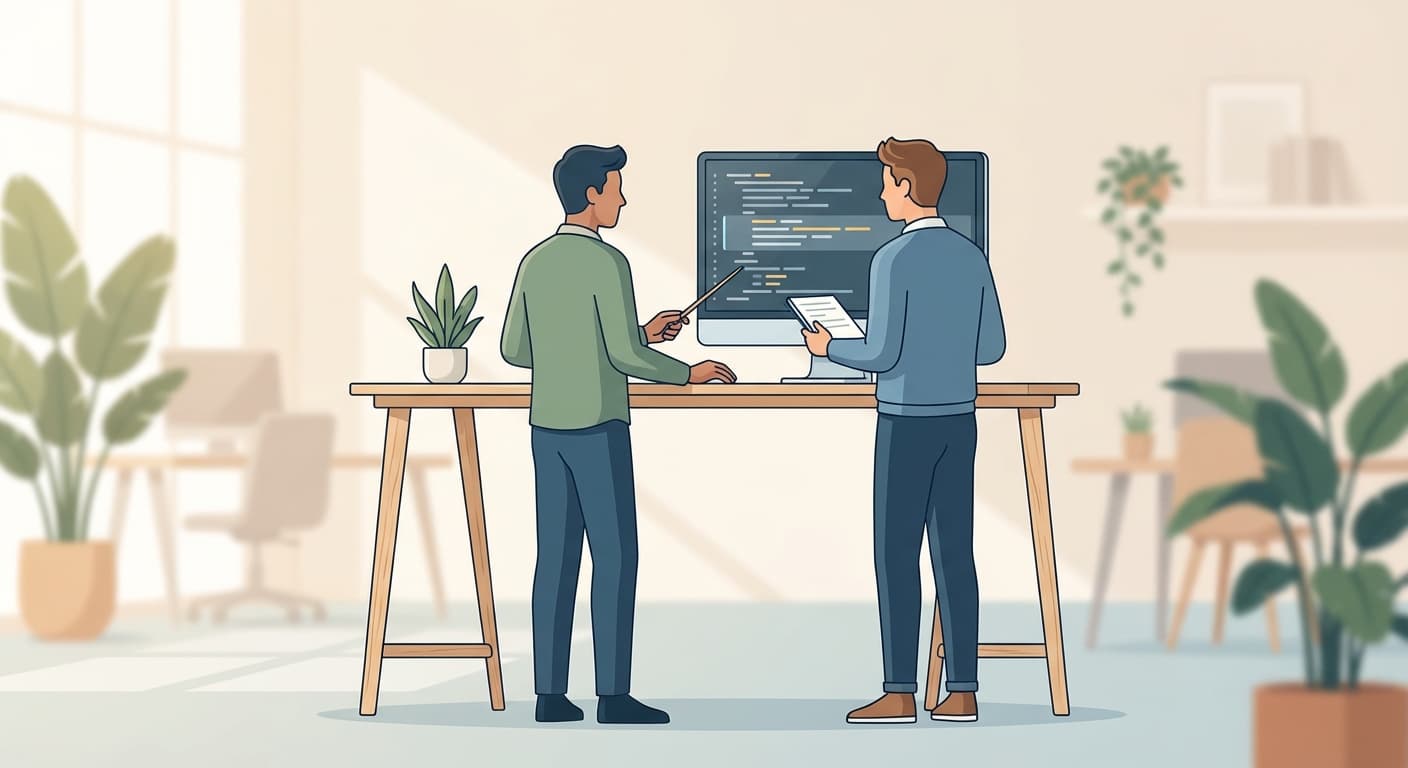
THE PAIR PROGRAMMING MODEL
We take your backlog and build it WITH your team.
Start with the team's most repetitive, bounded workflow. Build it together, explain each decision, and record the data, environment, and review method.
Real tasks. Real data. Real deadlines.
Use real tasks and real data where the organisation permits it. Do not call a workflow production-ready until its deployment, permissions, monitoring, failure path, and verification have been checked.
They own the code.
We don't hand over a black box. Every function is documented. Every decision is explained. When we leave, they can maintain, extend, and debug what we built together.
This can require more time and support than a classroom session. It is one practical approach for teams moving from desktop tools to code; compare it with the team's capacity and operating constraints.
WHY THIS WORKS
- 1.Context is preserved: They're not translating abstract examples to their workflows. They're learning through their actual work.
- 2.Early feedback: A bounded task can show whether the training is useful, but record the result instead of assuming time saved.
- 3.Confidence compounds: Seeing their own script process real data builds competence faster than any tutorial.
Post-Training Support: A Planning Pattern
The training doesn't end when we leave. That's when the real learning begins.
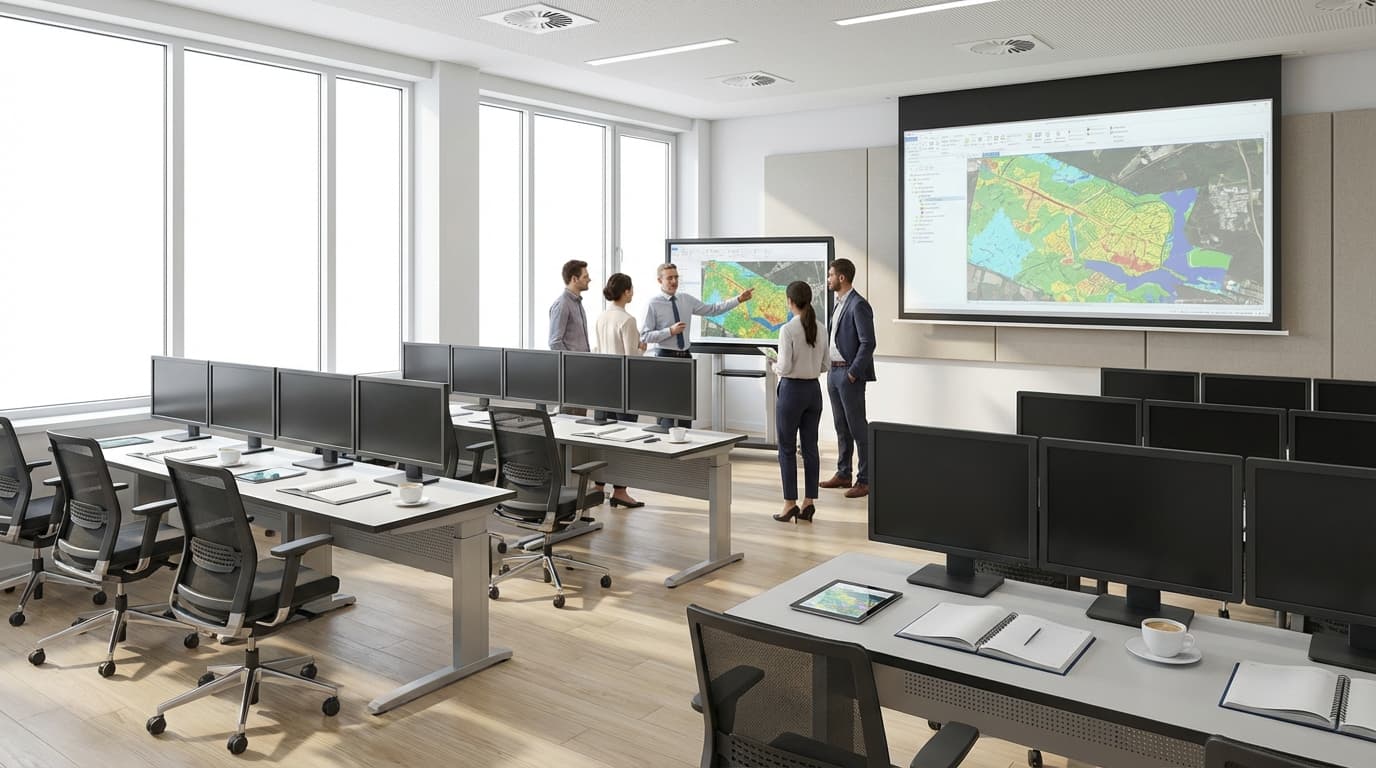
An earlier version of this article used an eight-week support pattern. Treat it as a planning illustration, not a standard duration:
Daily Office Hours
1-hour session every day. They show us what they're working on. We debug together, answer questions, explain concepts.
3× Weekly Office Hours
Reducing frequency as independence grows. Focus shifts from "how do I" to "is this the right approach."
2× Weekly Office Hours
By now, most questions are architectural. They're designing new workflows, choosing libraries, structuring projects.
We also monitor their Git repositories. When we see patterns (repeated errors, inefficient approaches, missed abstraction opportunities) we proactively address them in office hours.
When Teams Shouldn't Attempt This Transition
Not every team should move to code-based workflows. Here's when to stay with desktop GIS:
No Repetitive Workflows
If every analysis is unique, one-off, exploratory—automation provides minimal value. Desktop GIS is faster.
Team Turnover Expected
If team stability is short, the organisation may not recover the learning cost. Check expected ownership and role continuity before starting.
No Management Buy-In for the Trough
If leadership expects immediate productivity gains, this will fail. The trough requires organisational patience.
Small Datasets, Infrequent Processing
Processing 50MB of data quarterly? Desktop GIS will always be faster than writing, testing, and maintaining a script.
The assessment: Code-based workflows may make sense when a team has repetitive processes, significant data volumes, or integration requirements. If those conditions are absent, desktop tools may remain the better fit. Choose the tool that matches the task, support model, and verification need.
Historical Training Observations
The original article retained outcome examples. They are not a current Axis Spatial study and are not presented as general results here. A current training claim needs the cohort, task, baseline, survey method, date, and verifier.
EVIDENCE REQUIRED FOR A CURRENT TRAINING RESULT
Cohort
Who took part and what capability was measured
Record role, starting point, task, and follow-up window
Baseline
The original process and output quality
Record time, review load, failures, and data conditions
Verifier
Who checked the result and the follow-up evidence
Do not generalise an unreported survey or private result
What they told us in follow-up interviews:
Keep participant feedback private unless it has consent, provenance, and a current publication decision.
Use anonymised qualitative feedback only with its study context and limits.
Do not treat a training preference as proof of productivity or product performance.
Can AI replace GIS training for migration?
Code-assistance systems may support repetitive ArcPy translation patterns, but they do not remove the need to train people to understand and validate the output. Migration Engine is in development. Treat any assisted migration as a workflow-specific study with human review, not as a replacement for team capability.
Training GIS teams to code isn't about teaching syntax. It's about managing a psychological transition from immediate visual feedback to abstract text-based workflows.
Training programmes can fail when they ignore the temporary learning load, use abstract examples, or stop before the team can maintain the workflow. The duration and effect are not universal; measure them for the target team.
A current training plan should start with a bounded backlog item, define the ownership and review boundary, and leave the team with documented code and a tested operating path. Migration Engine is in development; no autonomous or fixed-outcome promise is made here.
Get Workflow Automation Insights
Monthly tips on automating GIS workflows, open-source tools, and lessons from enterprise deployments. No spam.