- COG, GeoParquet, and STAC solve different raster, vector, and discovery problems
- The useful format depends on the data layout, query, engine, storage, and operating model
- A migration should start with a dated access-pattern, output, and validation review
- Retained benchmark figures are technical illustrations, not general performance claims
This retained technical note compares cloud-native formats for raster, vector, and catalogue workflows. It is not a current performance or cost claim for every estate.
The decision usually concerns access time, transfer volume, query shape, platform integration, metadata, and operational ownership. Measure those conditions in the target environment before selecting a format.
The original note retains a worked example involving a large download and a smaller area of interest. Treat its volumes and timings as historical illustrations. For the broader decision context, see the hidden cost of manual workflows.
What is the best cloud-native geospatial format?
It depends on the data and access pattern. GeoParquet may fit vector analytics, COG may fit tiled raster access, and STAC may fit discovery and catalogue metadata. The retained figures are technical illustrations; validate layout, engine, storage, query, output, and support requirements before migrating. Migration Engine is in development.
Which Format Do You Need?
What type of data are you working with?
What Problems Do Cloud-Native Geospatial Formats Solve?
Cloud-native formats solve three problems: inefficient full-file downloads, analytics platform integration gaps, and data discovery challenges. Traditional formats like Shapefile and GeoTIFF require downloading entire files to access a small region. COG, GeoParquet, and STAC enable HTTP range requests, columnar analytics, and searchable metadata. Before diving into solutions, let's be precise about what we're solving.
PROBLEM 1: THE "DOWNLOAD EVERYTHING" ARCHITECTURE
Traditional raster formats (GeoTIFF, JPEG2000) and vector formats (Shapefile, File Geodatabase) were designed with an assumption: you have the file locally.
Example: Your organisation stores 50TB of aerial imagery on S3. An analyst needs to extract building footprints for a flood zone covering 0.1% of your total imagery extent.
- Identify which files intersect area of interest
- Download each complete file (potentially hundreds of GB)
- Extract the relevant pixels
- Discard 99.9% of the downloaded data

The precision access principle: extract only what you need from the whole.
PROBLEM 2: THE ANALYTICS INTEGRATION GAP
Modern data infrastructure has converged on columnar formats. Databricks, Snowflake, BigQuery - every serious data platform is optimised for Apache Parquet.
Geospatial data exists in a parallel universe. Your data engineers have built sophisticated pipelines for customer data, transaction logs, and operational metrics. But geospatial assets? Those live in a separate GIS silo, accessible only through specialised tools.
PROBLEM 3: THE DISCOVERY PROBLEM
Where is the imagery covering the northern distribution network from before the 2023 storm event? If answering that question requires emailing three colleagues, searching through nested folders, and checking multiple spreadsheets - you have a discovery problem that leads to duplicate data purchases and missed analysis opportunities.
How Does Cloud-Optimized GeoTIFF (COG) Work?
COG reorganises standard GeoTIFF with internal tiling, overviews, and header-first structure, enabling HTTP range requests to read selected regions without downloading the full file. The retained example compares reading 1km2 from a 50GB raster by full download and by range request. Its 14-minute and 2.3-second timings are dated illustrations, not current benchmarks. COG isn't a new format - it's a GeoTIFF organised in a specific way that can support efficient cloud access. In 2023, COG was adopted as an official OGC standard.
How COG Works
A standard GeoTIFF stores pixels in sequential strips. To read any pixel, you typically need to read from the beginning of the file. A COG reorganises this structure with three key features:
Internal Tiling
The raster is divided into fixed-size tiles (typically 512x512 pixels). Each tile is independently addressable.
Overviews (Pyramids)
Pre-computed reduced-resolution versions stored within the same file. Fast zoom-out views without reading full-resolution data.
HTTP Range Request Compatibility
A reader can calculate which bytes contain an area of interest. Cloud storage such as S3 or Azure Blob can serve byte ranges when the request and object layout support them.
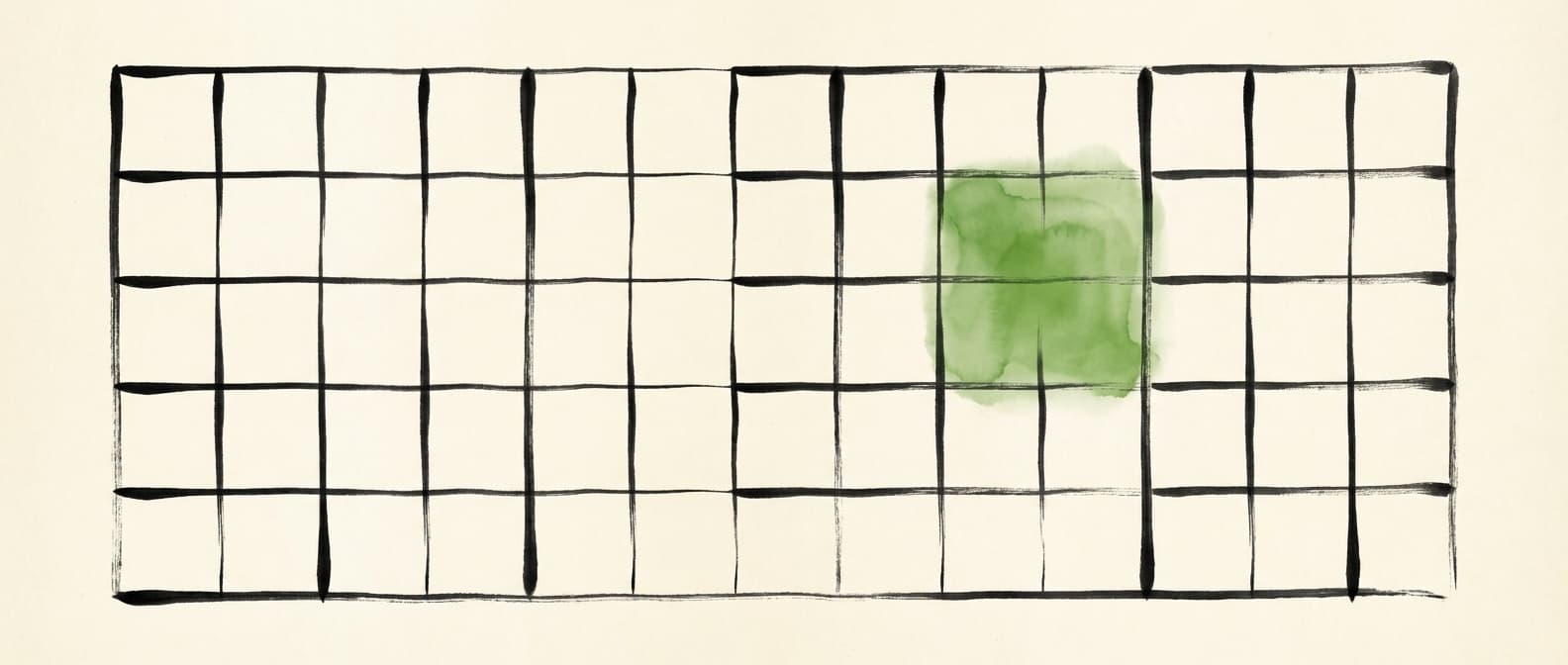
Tile-based access: request only the cell you need, leave the rest untouched.
RETAINED ILLUSTRATION: READ 1KM2 FROM 50GB RASTER
Download entire file, extract region
Fetch only required tiles via range request
The retained timing is a dated illustration. Re-run the target access pattern before using it.
Creating COGs: What Actually Matters
gdal_translate input.tif output_cog.tif \
  -of COG \
  -co COMPRESS=DEFLATE \
  -co OVERVIEW_RESAMPLING=LANCZOS \
  -co BLOCKSIZE=512
Compression: DEFLATE can provide a useful balance for some data. JPEG may fit imagery where controlled quality loss is acceptable; measure file size and output quality for the target data.
Tile Size: 512x512 can improve performance for large-area queries at the cost of slightly more data transfer for small queries.
VALIDATION: DON'T SKIP THIS
A file can have internal tiles without being a valid COG. Always validate:
rio cogeo validate output_cog.tifWe've seen organisations "convert" to COG without validation, then wonder why performance didn't improve. The conversion failed silently.
For the Python code needed to read and write COG files with Rasterio, see our detailed ArcPy to Rasterio migration guide.
GeoParquet in Depth
If COG solves a raster access problem, GeoParquet addresses cloud-native vector data. It is a columnar format with different limits and query behaviour from Shapefile.
The Columnar Advantage
Shapefiles and File Geodatabases store data row by row. To read any attribute of any feature, you typically scan through records sequentially. Parquet stores data column by column - optimised for analytics queries that access specific attributes, aggregate across records, or filter based on values.
| Query Type | Shapefile | FGDB | GeoParquet | Improvement |
|---|---|---|---|---|
| Count all features | 34s | 12s | 0.8s | 15x |
| Select by attribute | 89s | 31s | 1.2s | 26x |
| Spatial join (1M features) | 847s | 312s | 28s | 11x |
| Load into Pandas | 156s | 87s | 4.2s | 21x |
Retained benchmark illustration; dataset, engine, machine, and query conditions require a run record.

Row vs column: scattered access versus precise selection of what you need.
Creating GeoParquet: Practical Code
import geopandas as gpd

# Read source data
gdf = gpd.read_file("input.shp")

# Write to GeoParquet
gdf.to_parquet(
    "output.parquet",
    compression="snappy",  # Fast decompression
    index=False
)
If you're transitioning from ArcGIS, our ArcPy to GeoPandas translation guide covers the complete workflow conversion process.
Is GeoParquet faster than Shapefile?
The retained comparison shows different results by query type, but it is not a general speed claim. Compare the target data, engine, layout, query, machine, output contract, and support needs. GeoParquet can preserve columnar data types and integrate with several platforms; conversion still needs validation and ownership.
SPATIAL INDEXING: THE MISSING PIECE
GeoParquet doesn't include built-in spatial indexing. For large datasets with frequent spatial queries:
- 1.Row Group Filtering: Organise data so spatially proximate features are in the same row groups.
- 2.H3/S2 Cell Index: Generate cell indices as additional columns. Query by cell ID first.
- 3.Partitioning: Partition files by geographic region (state, grid cell).
STAC (SpatioTemporal Asset Catalog) in Depth
COG and GeoParquet solve access and analytics problems. STAC solves discovery.
STAC is a specification for metadata, not a data format. It defines a standard JSON structure for describing geospatial assets - what they contain, where they are, when they were captured, and how to access them.
The root container. Points to child catalogs or collections.
A logical grouping of related items (e.g., "Sentinel-2 Level-2A imagery for North America").
A single spatiotemporal unit - one scene, one time slice, one coherent dataset.
A specific file or resource associated with an item (the red band, the thumbnail, the metadata JSON).
Why This Matters at Scale
Consider: 10 years of aerial imagery, satellite data from 3 providers, LiDAR from 5 acquisition projects, and derived products like DEMs. Without STAC, finding relevant data requires knowing folder structures, understanding naming conventions, manually checking date ranges. With STAC, you query a single API:
from pystac_client import Client

catalog = Client.open("https://your-stac-api.com")

# Find all Sentinel-2 imagery for summer 2023
results = catalog.search(
    collections=["sentinel-2-l2a"],
    bbox=[-122.5, 47.5, -122.0, 48.0],
    datetime="2023-06-01/2023-08-31",
    query={"eo:cloud_cover": {"lt": 20}}
)

for item in results.items():
    print(f"{item.id}: {item.datetime}")
When NOT to Use These Formats
Cloud-native formats aren't universally superior. Here's when traditional approaches may be appropriate:
Small, Frequently Updated Datasets
Under 100MB with daily updates - the overhead of maintaining COG structure may exceed benefits.
Real-Time Streaming Data
COG and GeoParquet are designed for data at rest. For IoT streams, look at Kafka or streaming GIS solutions.
Desktop-Heavy Workflows
If users primarily work in desktop GIS with local file access, range-request benefits only manifest via HTTP.
Regulatory Format Requirements
If contracts specify Shapefile or FGDB delivery, you'll need those formats regardless of internal infrastructure.
Integration with Modern Data Platforms
The strategic value of cloud-native geospatial formats is integration with enterprise data infrastructure.
DATABRICKS
Native GeoParquet support through Spark. The Mosaic library adds spatial functions. Store in Delta Lake for ACID transactions and time travel. See how these formats work on Databricks for a deeper dive.
df = spark.read.format("geoparquet").load("s3://bucket/parcels/")
df.select(st_area("geometry"), st_centroid("geometry")).show()
SNOWFLAKE
GEOGRAPHY type handles WKT/WKB geometries with native spatial functions. Use external tables pointing to GeoParquet on cloud storage.
SELECT parcel_id, ST_AREA(geometry) as area_m2
FROM parcels_ext
WHERE ST_CONTAINS(aoi_polygon, geometry);
BIGQUERY
BigQuery GIS provides native GEOGRAPHY type with extensive spatial functions. Query GeoParquet directly. Partition tables by geography to optimise costs.

The modern stack: cloud-native formats work directly with enterprise data infrastructure.
Migration Strategy: A Practical Roadmap
Migration isn't a weekend project. Here's a phased approach that minimises risk. Define the conversion, validation, catalogue, rollback, and ownership boundaries before selecting implementation support.
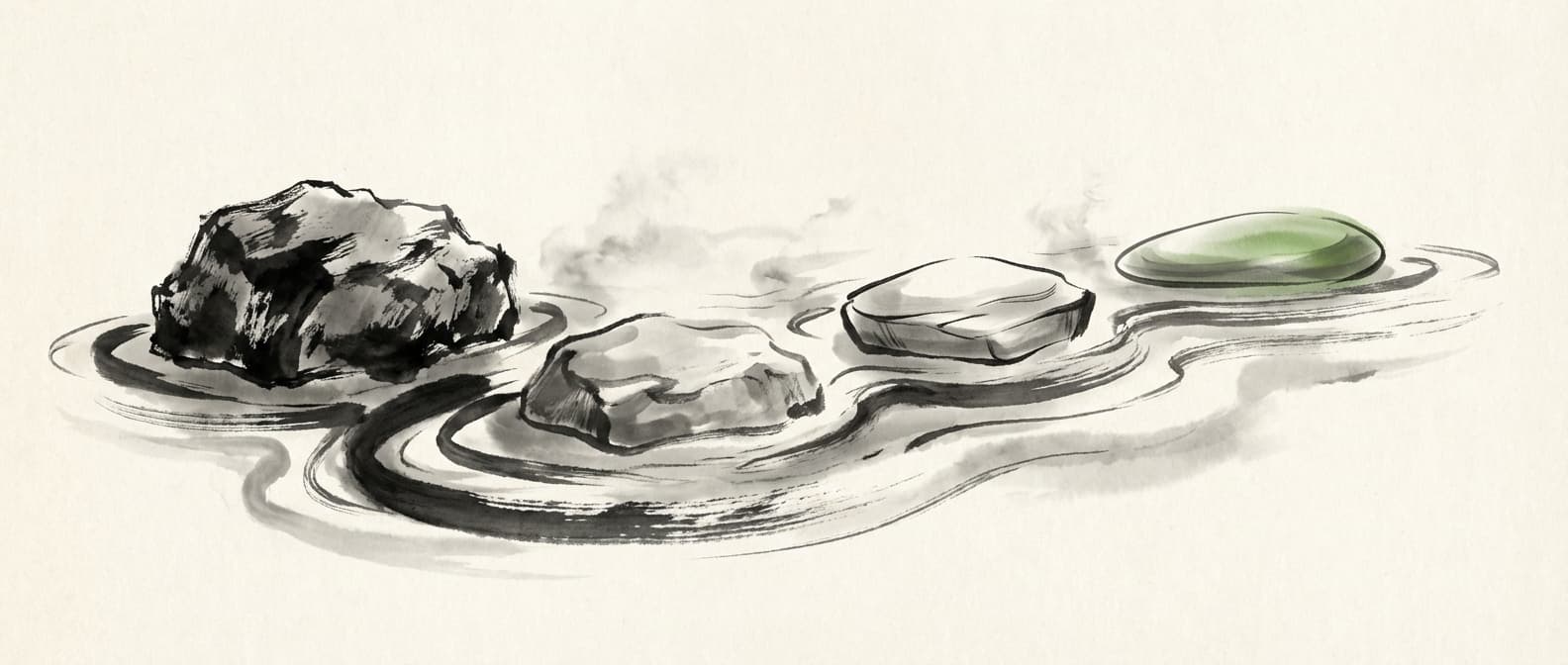
The migration path: each step lighter than the last.
Assessment
2-4 weeks — historical planning range- Inventory data assets by format type
- Analyse access patterns (who queries what, how often)
- Quantify current pain points
- Identify pilot candidates
Proof of Concept
4-6 weeks — historical planning range- Convert pilot datasets (raster -> COG, vector -> GeoParquet)
- Create STAC catalog entries
- Benchmark rigorously with real workflows
- Validate platform integration
Pilot Production
2-3 months — historical planning range- Migrate first production workload
- Run parallel operations initially
- Monitor daily, document issues
- Build internal expertise
Full Rollout
3-6 months — historical planning range- Systematic migration prioritised by ROI
- Maintain format conversion as data is accessed
- Archive original formats until confident
- Decommission legacy infrastructure
Questions to Ask Before You Start
1. What specific problem are you solving?
"Cloud-native is modern" isn't a business case. Quantify the pain: hours lost, dollars spent, opportunities missed.
2. Do you have the skills?
COG and GeoParquet require different tooling than traditional GIS. GeoPandas, DuckDB, and cloud platforms may be new to your team. See our guide on training GIS teams for workflow automation.
3. What's your access pattern?
If most queries are full-dataset exports, range requests don't help. If queries target specific regions, benefits are substantial.
4. Who are your users?
Desktop GIS users see less benefit. Cloud-native analysts, data scientists, and application developers see more.
5. What's your timeline?
Timing depends on inventory, access patterns, dependencies, validation, and team capacity. Use a dated plan; a rushed migration creates technical debt.
6. What's your fallback?
If migration fails, can you revert? Maintain original data until the new system is proven.
Cloud-native geospatial formats (COG, GeoParquet, STAC) aren't magic. They're engineering solutions to specific problems.
For organisations with suitable data volumes, cloud infrastructure, and analytical workloads, these formats may improve access patterns and platform integration. The result must be measured for the target data and query.
The decision isn't ideological. It's practical: quantify your current costs, estimate the improvement, and evaluate whether the investment makes sense.
Review the Format Decision
Converting a large archive to COG, GeoParquet, and STAC requires a defined scope, validation method, metadata contract, rollback plan, and owner.
Manual conversion can introduce inconsistent compression, metadata, or spatial indexing. Record the checks that will detect those failures before rollout.
Keep the implementation evidence-led.
Migration Engine is in development. Any current workflow review should define the conversion rules, validation output, failure handling, and human approval before a production change.
Get Workflow Automation Insights
Monthly tips on automating GIS workflows, open-source tools, and lessons from enterprise deployments. No spam.