

- Licence decisions should start with current usage evidence, contract terms, and required capabilities
- A short audit can separate viewers, editors, analysts, extensions, and specialist workflows
- A hybrid approach may retain Esri for specialist work while other tasks use different tools
- Any saving estimate must state scope, currency, date, region, licence model, and validation method
This retained article opens with a worked licence-review scenario: a GIS manager at a mid-sized engineering firm reports that a team of 40 analysts has ArcGIS Advanced licences. The figures are historical and illustrative, not a current price or savings claim.
In the scenario, the team cannot show which Advanced-only tools each person uses. That is the audit question: map actual workflows and capability needs before changing a licence.
The original worked example then separates viewers, editors, analysts, extensions, and specialist workflows. Do not reuse its user counts or prices. Check current Esri terms, licence tiers, region, and retained capabilities first.
For a broader historical discussion of Esri economics, see our retained TCO note. A current decision needs its own dated model.
How much can you save by optimising ArcGIS licenses?
Right-sizing may reduce unnecessary spend, but the result depends on current usage, contracts, licence tiers, extensions, region, and retained specialist capability. Use a dated audit and validate the proposed change with the licence owner before acting.
Treat the scenario as an audit pattern, not a claim about every organisation.
Why Licensing Gets Out of Control
ArcGIS licensing can be difficult to review. The required tier depends on the tool, workflow, contract, and deployment context. A licence audit should test actual use rather than assume that every person needs the highest tier.
HISTORICAL PATTERN FROM THE RETAINED SCENARIO
- 1.Initial purchase: IT buys 10 Advanced licenses because "we might need the advanced tools"
- 2.Team grows: New hires get the same license type. Nobody questions it.
- 3.Extensions accumulate: Spatial Analyst, Network Analyst—added "just in case"
- 4.Audit never happens: Nobody tracks which tools are actually used
- 5.Original scenario: 50 Advanced licences plus 4 extensions were modelled as £500K+ annually. This is not a current price or benchmark.
A retained scenario can make the cost of inaction visible, but it does not prove the same pattern in another organisation. Current usage, contract terms, and capability requirements must decide the review.
What Are the ArcGIS Licence Tier Differences?
The original article used Basic (£1,500/user), Standard (£3,500), and Advanced (£7,000) as historical price illustrations. These figures are not current. Capability coverage also depends on the product version, contract, extensions, region, and workflow. Verify the current terms before comparing tiers.
| Tier | Historical annual price | Key Capabilities |
|---|---|---|
| Basic | £1,500/user | View, query, basic editing, simple analysis (buffer, clip, intersect) |
| Standard | £3,500/user | + Geodatabase editing, topology, versioning, geometric networks |
| Advanced | £7,000/user | + Full geoprocessing (Erase, Identity, Union), spatial statistics |
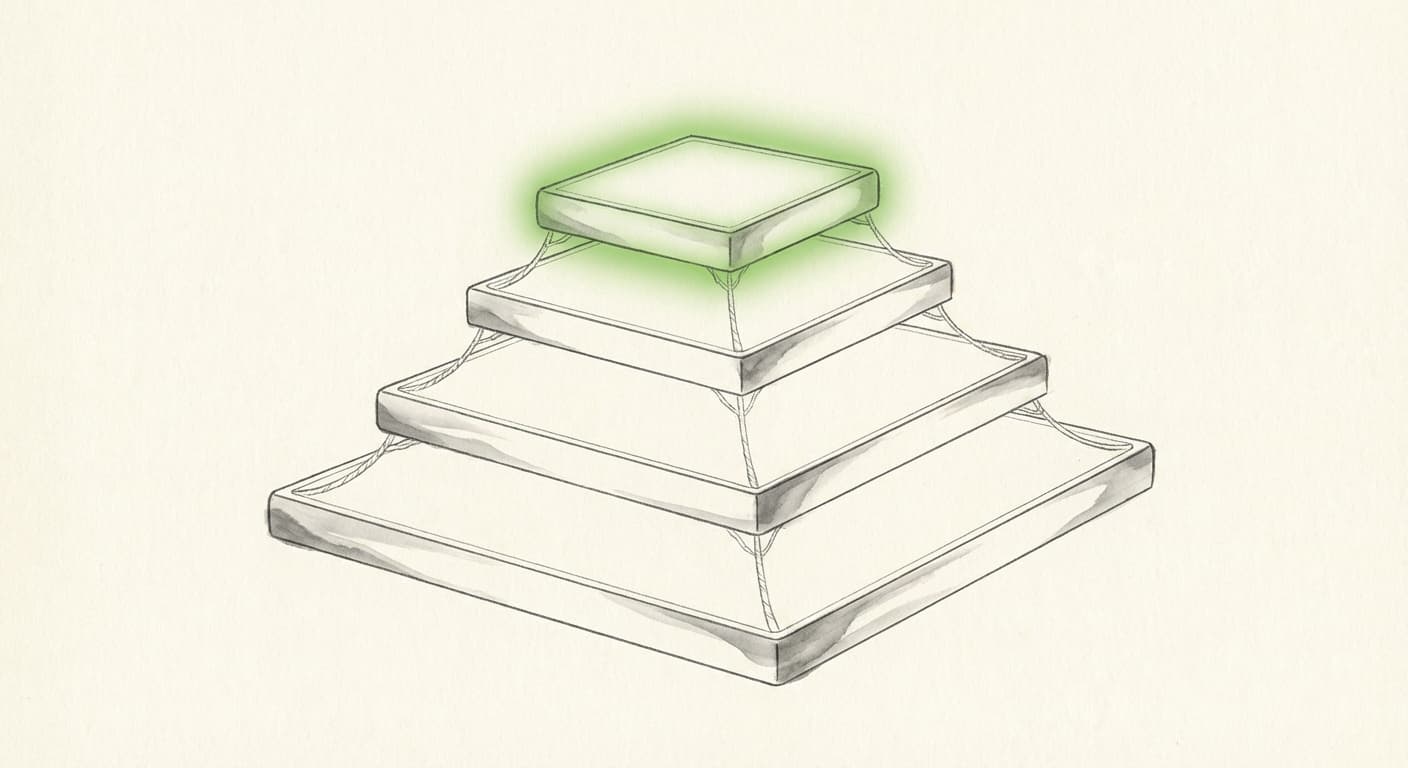
Historical tier illustration. Confirm current capability and contract terms before changing a licence.
Tools That May Require Advanced Licence
These are the tools that only work with Advanced:
VECTOR ANALYSIS
- • Erase
- • Identity
- • Symmetrical Difference
- • Update
- • Feature to Polygon/Line
SPATIAL STATISTICS
- • Hot Spot Analysis (Getis-Ord Gi*)
- • Cluster and Outlier Analysis
- • Optimised Hot Spot Analysis
- • Space Time Pattern Mining
Tools Available in Basic (Often Misunderstood)
Many assume these require Advanced, but they don't:
Many common GIS operations may fit a lower tier, but the current workflow and product documentation must confirm that boundary.
The 5-Minute Audit: Who Actually Needs What
Here's a simple framework to categorise your users:
Viewers & Light Analysts → Basic or QGIS
Opens maps, runs simple queries, exports data. Occasional buffer/clip.
ROLES: Project managers, field staff, executives
Production Analysts → Basic or Standard
Regular spatial analysis, data prep, map production. No Erase/Identity/spatial stats.
ROLES: GIS technicians, data analysts, cartographers
Advanced Analysts → Standard or Advanced
Geodatabase management, topology, network analysis. Some Advanced tools occasionally.
ROLES: Senior GIS analysts, database administrators
Power Users → Advanced
Spatial statistics, modelling, regular use of Erase/Identity. Training others.
ROLES: GIS developers, data scientists, lead analysts
Automation Only → Python (No Desktop Licence)
Batch processing, ETL pipelines, scheduled workflows. No interactive map use. For those who need to learn Python, see our guide to training GIS teams.
ROLES: DevOps, data engineers, scheduled tasks
HISTORICAL USER DISTRIBUTION ILLUSTRATION
Scenario only: do not treat this distribution as a current user or spend benchmark.
QUICK AUDIT: 4 QUESTIONS
- 1. Do they use Erase, Identity, or Spatial Statistics?
Yes → Keep Advanced | No → Continue - 2. Do they manage geodatabase topology or versioning?
Yes → Standard may suffice | No → Continue - 3. Do they edit, or just view and run simple analysis?
Edit → Basic | View only → QGIS or ArcGIS Online viewer - 4. Is their work batch processing with no interactive use?
Yes → Python only (no desktop licence may be needed)
Base this on actual usage, not theoretical "might need someday" usage.
Historical Optimisation Examples
The examples below are retained illustrations. Their prices, user mixes, and savings are not current benchmarks. Replace them with dated contract data, workflow evidence, implementation effort, and validation costs before using the method.
HISTORICAL CASE 1: ENGINEERING CONSULTANCY (40 USERS)
8 Advanced, 12 Standard, 10 Basic, 10 QGIS
Original illustrative five-year delta: £1.3 million. Not a current forecast.
HISTORICAL CASE 2: MUNICIPAL GOVERNMENT (25 USERS)
ILLUSTRATED BEFORE
£225K/yr
ILLUSTRATED AFTER
£63K/yr
3 Advanced (GIS team), 5 Standard (planning), 7 Basic (public works), 10 ArcGIS Online viewers
Illustrated annual delta: £162,000. Not a current forecast.
HISTORICAL CASE 3: UTILITY COMPANY (100 USERS)
ILLUSTRATED BEFORE
£950K/yr
ILLUSTRATED AFTER
£298K/yr
15 Advanced + Network Analyst, 25 Standard, 30 Basic, 30 QGIS/QField for field crews
Illustrated annual delta: £652,500. Not a current forecast.
The Hybrid Approach: Mix Esri with Open Source
A hybrid strategy can retain Esri for specialist work and use other tools for workflows that do not require the same capability. The boundary must be tested against current evidence.
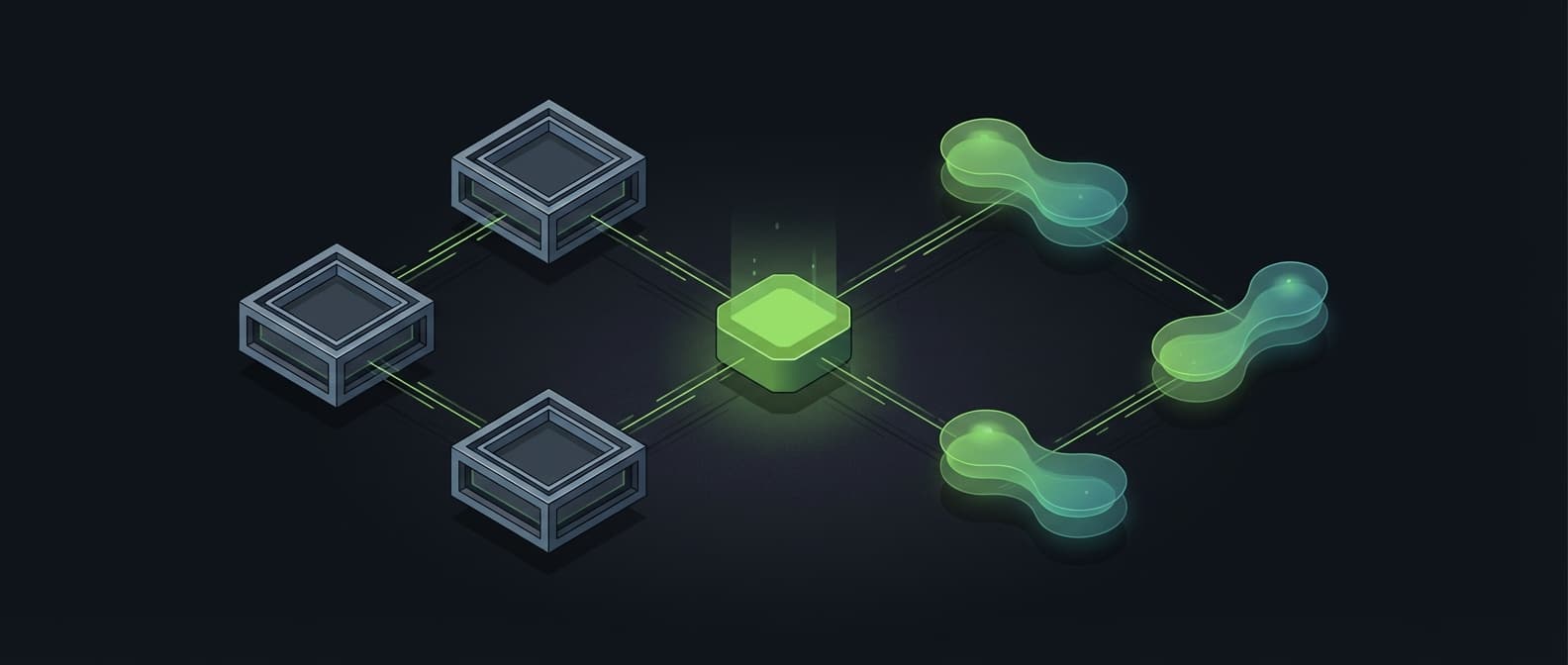
Hybrid architecture: Esri for power users, open source for the rest, PostGIS as the central hub.
KEEP ESRI FOR
- ArcGIS Enterprise integration
- Network Analyst workflows
- Geodatabase versioning
- Vendor support requirements
REPLACE WITH OPEN SOURCE
- Viewing and simple analysis (QGIS)
- Batch processing (Python/GeoPandas)
- Web mapping (Leaflet, MapLibre)
- Database (PostGIS)
When NOT to Downgrade
When licence optimisation is not worth it.
Deeply Embedded in ArcGIS Enterprise
Portal, Server, and years of published services can make a platform change material. Review the current dependencies and optimise within Esri if that is the lower-risk option.
Network Analyst is Mission-Critical
Complex network datasets with restrictions and custom cost attributes can require substantial reconstruction. Compare the current dependencies and migration evidence before changing the licence boundary. The Utility Network note is historical context only.
Your Team Resists Change
A change can affect teams with long-established ArcGIS workflows. Measure training needs, transition effort, and operational risk instead of assuming a fixed productivity loss.
Training Costs Exceed Savings
If a proposed saving is smaller than its training, support, validation, and transition effort, reconsider the change. Standardisation may be the safer decision.
BUILD A DATED DECISION MODEL
| Licence delta (annual) | +£X |
| Training (one-time) | -£Y |
| Transition impact (measured) | -£Z |
| Migration effort | -£A |
| Ongoing support delta | ±£B |
These placeholders show the categories to model. There is no universal break-even year. Use current contract data, workflow evidence, implementation effort, and validation results before making a saving claim.
The Hidden Costs of Change
The retained examples identify common review questions. They do not represent a current set of client engagements or a universal outcome:
Transition effort
A change from an established ArcGIS workflow can require training, parallel checks, and support. Measure the effect for the target team instead of using a fixed percentage or duration.
Tribal Knowledge
"We've always done it this way" hides critical workflow details. Migration forces documentation—good long-term, painful short-term.
Data Migration
File geodatabases, GeoPackage, and PostGIS have different workflows. Test the target data path and handle edge cases explicitly.
Plugin/Extension Parity
An ArcGIS extension may not have a direct QGIS equivalent. Audit capability by capability, not only licence by licence.
Printing and Cartography
ArcGIS Pro's layout tools are mature. QGIS is capable but different. Cartography-heavy teams feel this most.
Migration Roadmap
If a dated evidence review supports optimisation, this phased approach can structure the next checks:
Audit
- Inventory all users and current licences
- Survey actual tool usage (not theoretical)
- Categorise users by the framework above
- Model potential savings with current inputs
Pilot
- Select a representative pilot group
- Test a low-risk workflow first and record the result
- Document issues and solutions
- Measure productivity impact
Staged Rollout
- Wave 1: All viewers → QGIS
- Wave 2: Light analysts → Basic or QGIS
- Wave 3: Automation → Python
- Wave 4: Review remaining for right-sizing
Optimisation
- Annual licence audit
- Monitor for changing licence needs
- Continuous training for new hires
- Evaluate new tools as they mature
Licence optimisation is a review decision, not a universal savings promise. Its value depends on current spend, workflow risk, retained capability, migration effort, and support.
The question is whether a proposed change is supported by current evidence and justifies its effort and risk. If you are considering whether to stay with Esri, our retained migration economics note covers the wider decision.
What are the alternatives to ArcGIS Enterprise licensing?
A hybrid model may retain Esri for specialist work and use QGIS, Python, PostGIS, or cloud platforms for other tasks. The right boundary depends on current capability, migration effort, validation, training, support, and operational ownership. See the retained ArcPy migration guide for the process discussion.
Review the Evidence Before Changing Licences
The short audit above is a starting checklist, not a current savings estimate. A real review must map actual usage, contract scope, capability needs, implementation effort, and validation work.
Keep the decision specific to the workflow.
A current review should map user behaviour to licence tiers, record the evidence, and test each proposed change against the workflow and contract. Migration Engine is in development; this article does not promise a finished audit service.
Get Workflow Automation Insights
Monthly tips on automating GIS workflows, open-source tools, and lessons from enterprise deployments. No spam.